Common Mistakes
In this section, we highlight some of the most frequent errors encountered when using the development environment.
We also encourage users of this framework to report any incidents or bugs not covered here via our Help Desk, so we can update and review each case accordingly.
- First and foremost, we want to emphasize that the ROCKETDOO repository is NOT CLONED but FORKED! The only way to use it is by creating a new repository from the template.
Failed to Install requirements.txt
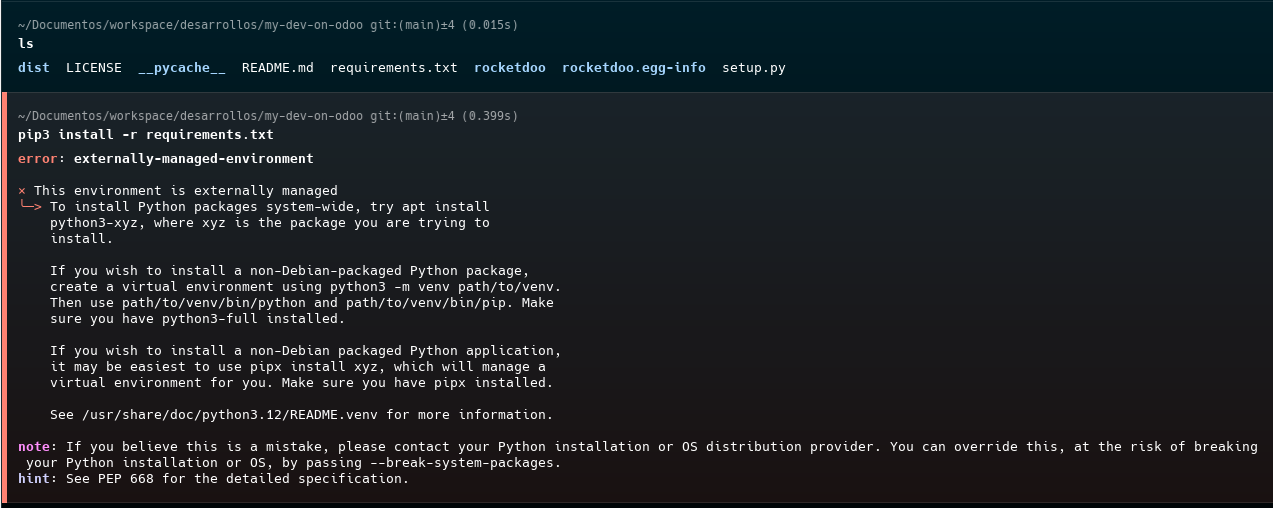
When faced with this error, the system suggests using Python virtual environments, which is an excellent approach. However, if you prefer to install the requirements on your PC without a virtual environment, you can resolve it with the following command:
If you want to use a virtual environment, execute:
Failure to Install ROCKETDOO
Similar issues may occur during the framework installation:
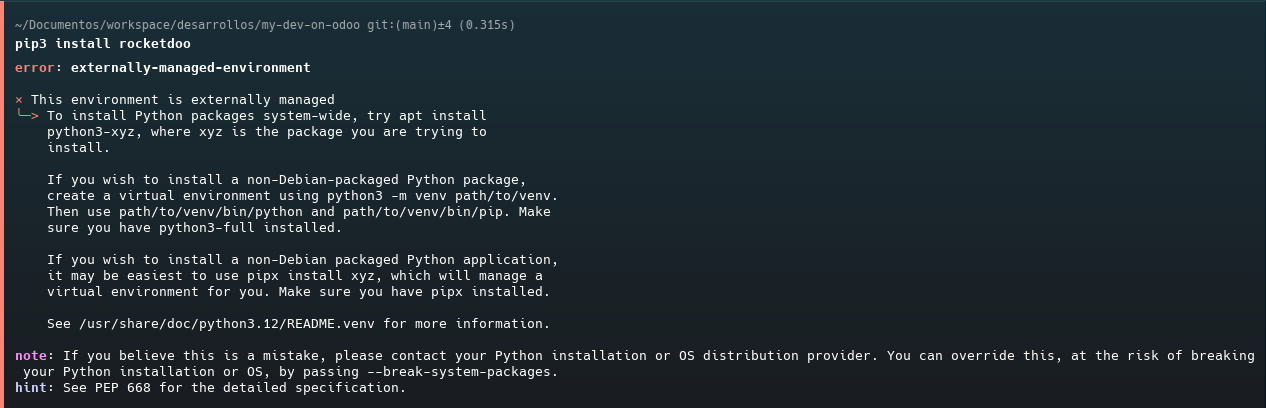
Solution:
Launching ROCKETDOO from the Wrong Directory
It is common to attempt launching ROCKETDOO from the project's root directory; for example, as shown in the image, launching from the root of your created repository (my-dev-on-odoo) when it should actually be run inside the rocketdoo subfolder:
my-dev-on-odoo/rocketdoo
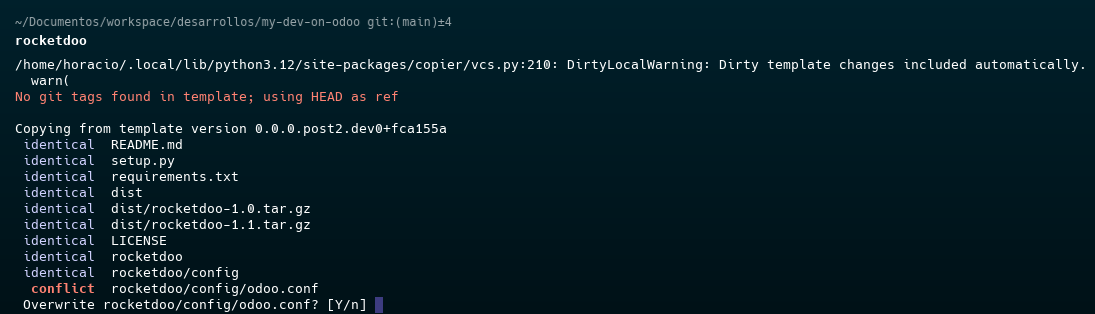
To resolve this, press CTRL + C to cancel the current action, then navigate to the correct directory and launch again:
If done correctly, you should see the ROCKETDOO welcome screen as below:
For further assistance, please submit a ticket to our Help Desk